
After reviewing the order details (Ex: fulfilment location, inventory, shipping address), and you’re ready to process the Go Easy order:
Log in to Go Easy’s B2B website here. You can find the credentials on the Supplier’s tab in the KS Spreadsheet.
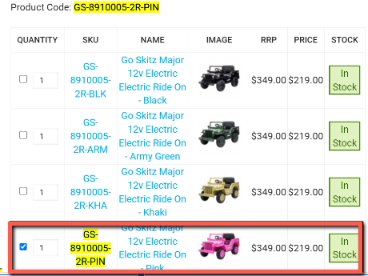
Search for the product using the SKU, make sure the item is in stock before proceeding.
Tick the box of the item that you would like to order.
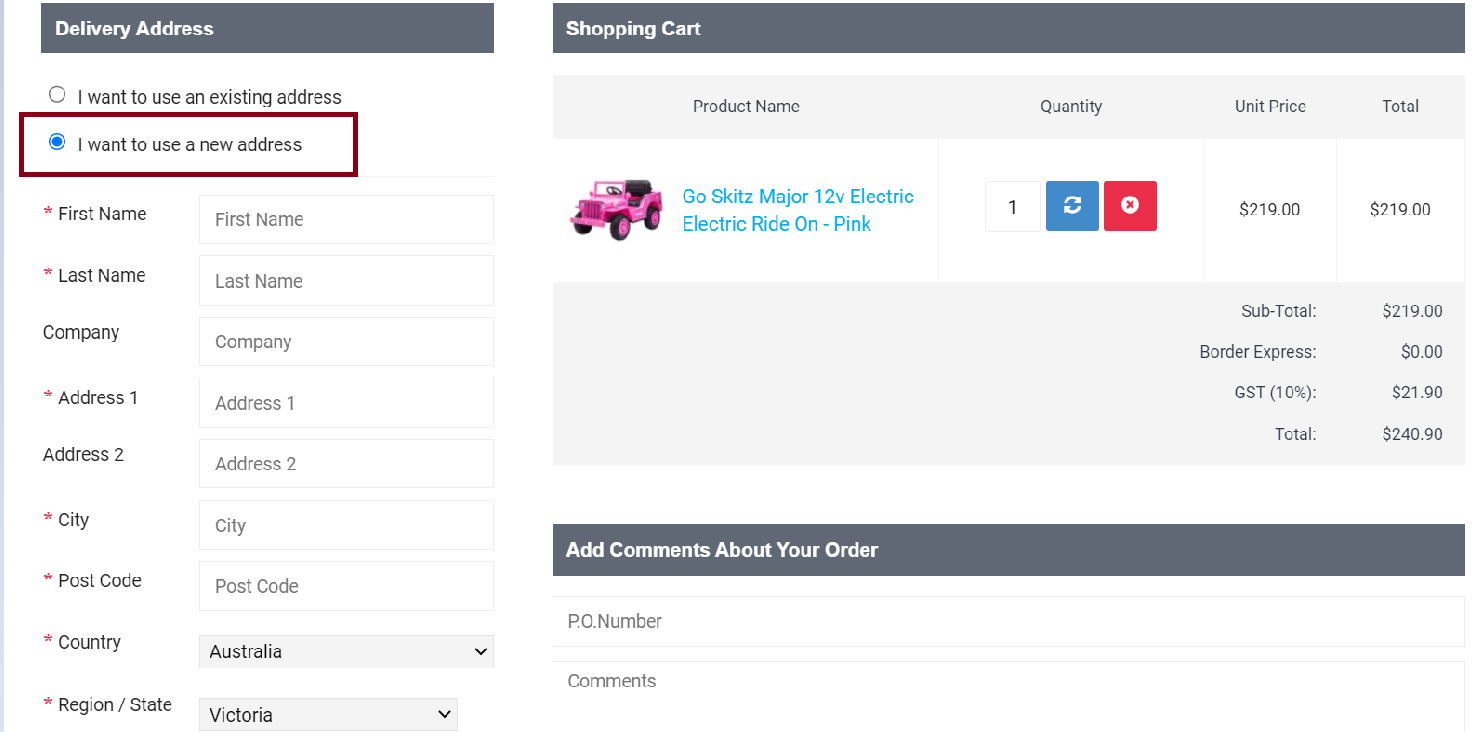
In the Delivery Address page, always choose “I want to use a new address”
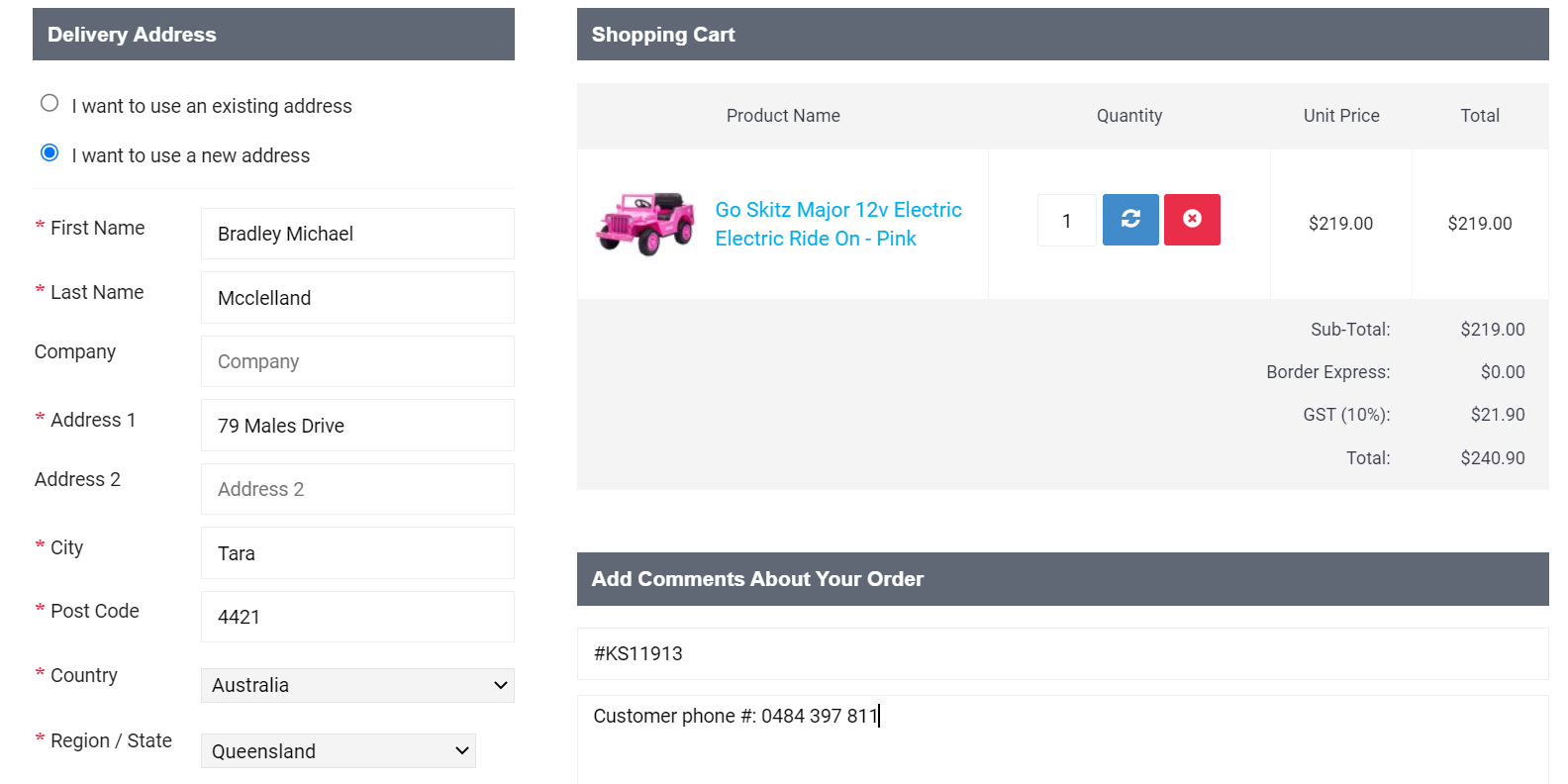
Add customer details. Enter the KS order number in the PO Number box. Add the customer phone number in the Comment section.
Review if all the details are correct. Then, click Confirm Order. It will generate an order number.
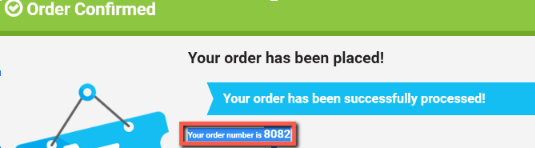
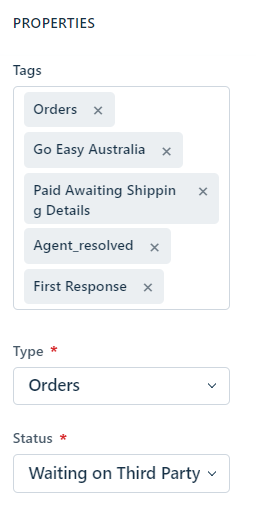
Note the order number in Shopify and FD order ticket. Then, add the complete FD tags.

The order ticket will reopen after 2 business days. You can follow up the tracking number by sending an email to Go Easy (jaden@goeasyaustralia.com.au / customer.service@tmsonline.com.au).