
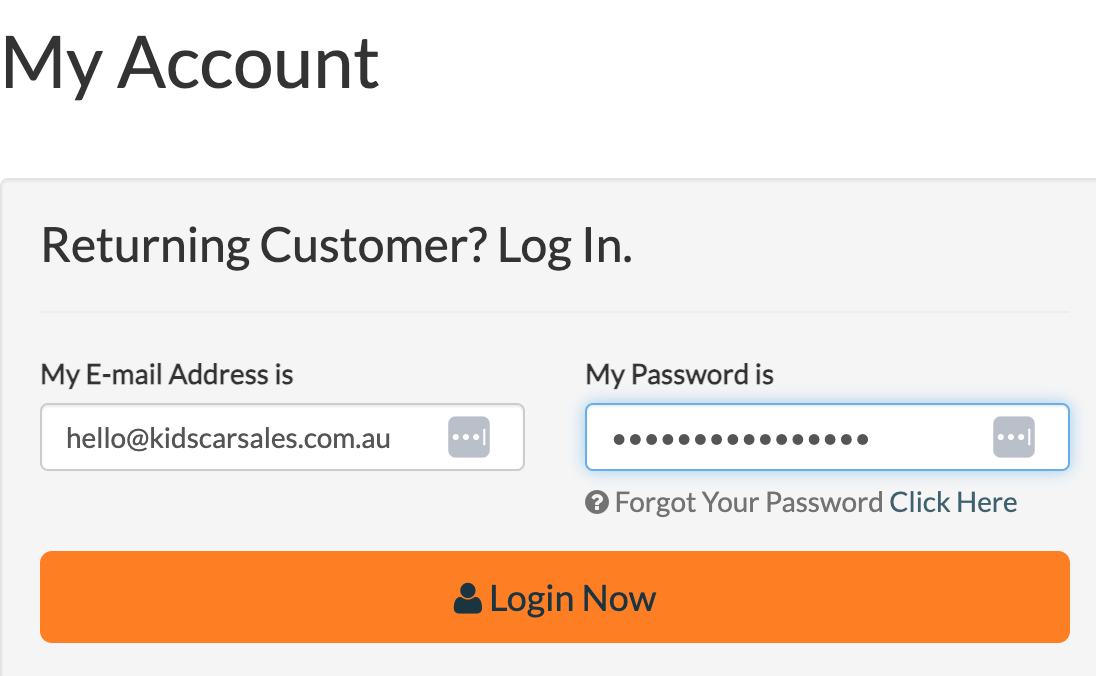
Login to Dirt Works Australia website using our credentials from the Supplier Tab on the store spreadsheet.
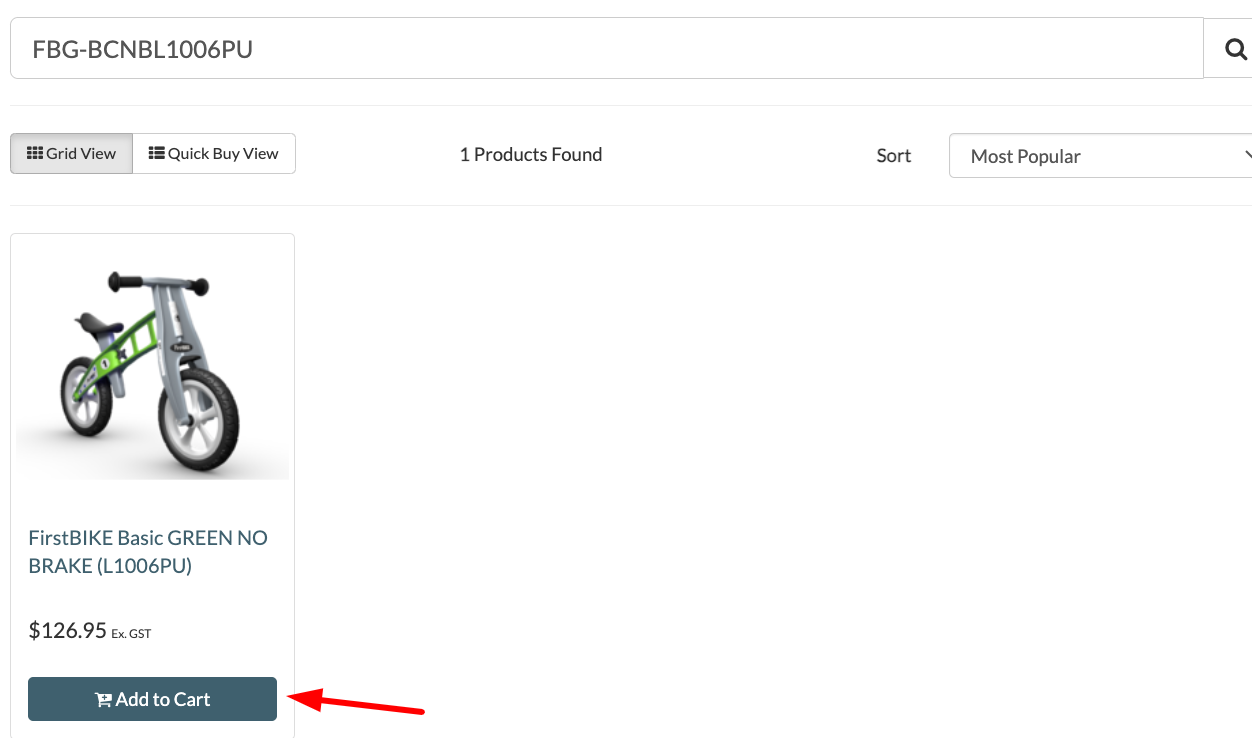
Enter the SKU to check if the item is available. An Add to Cart button will show if the item is available. Click the item to add to cart. The item will show Out of Stock if it’s not available.
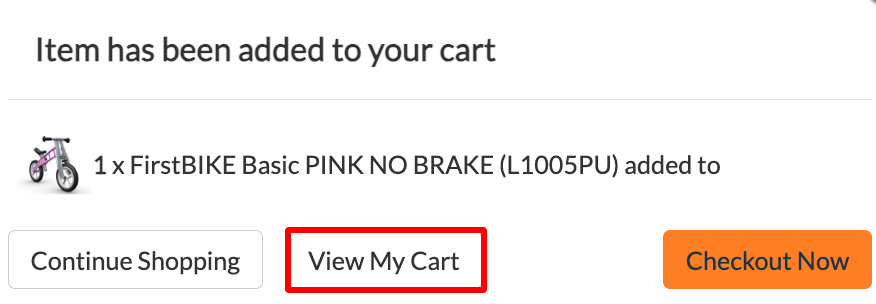
Click View My Cart.
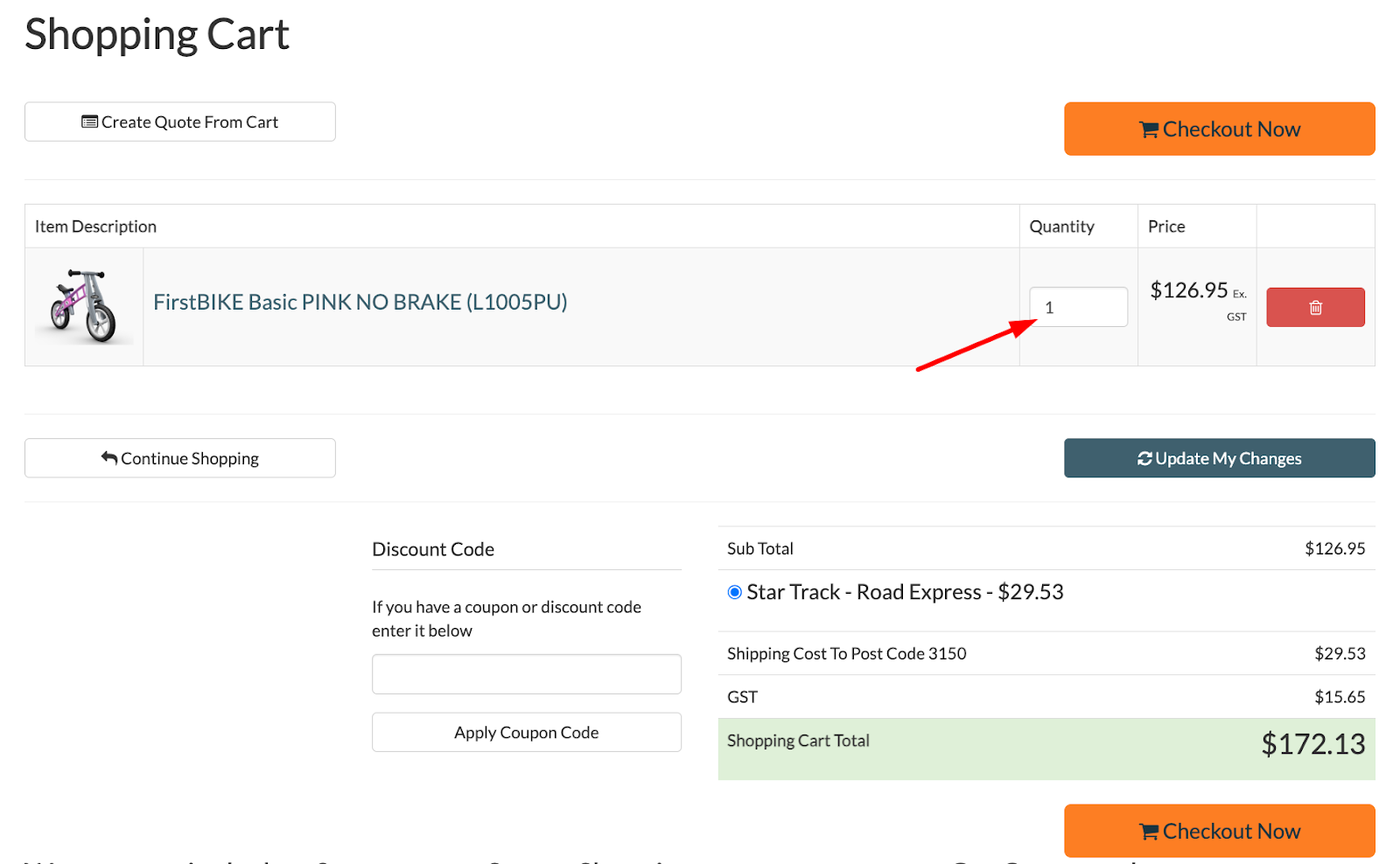
Edit the quantity or add another SKU as needed. Check if the shipping cost is within what the customer paid for. If yes, Click Checkout Now. If not, follow the steps here.
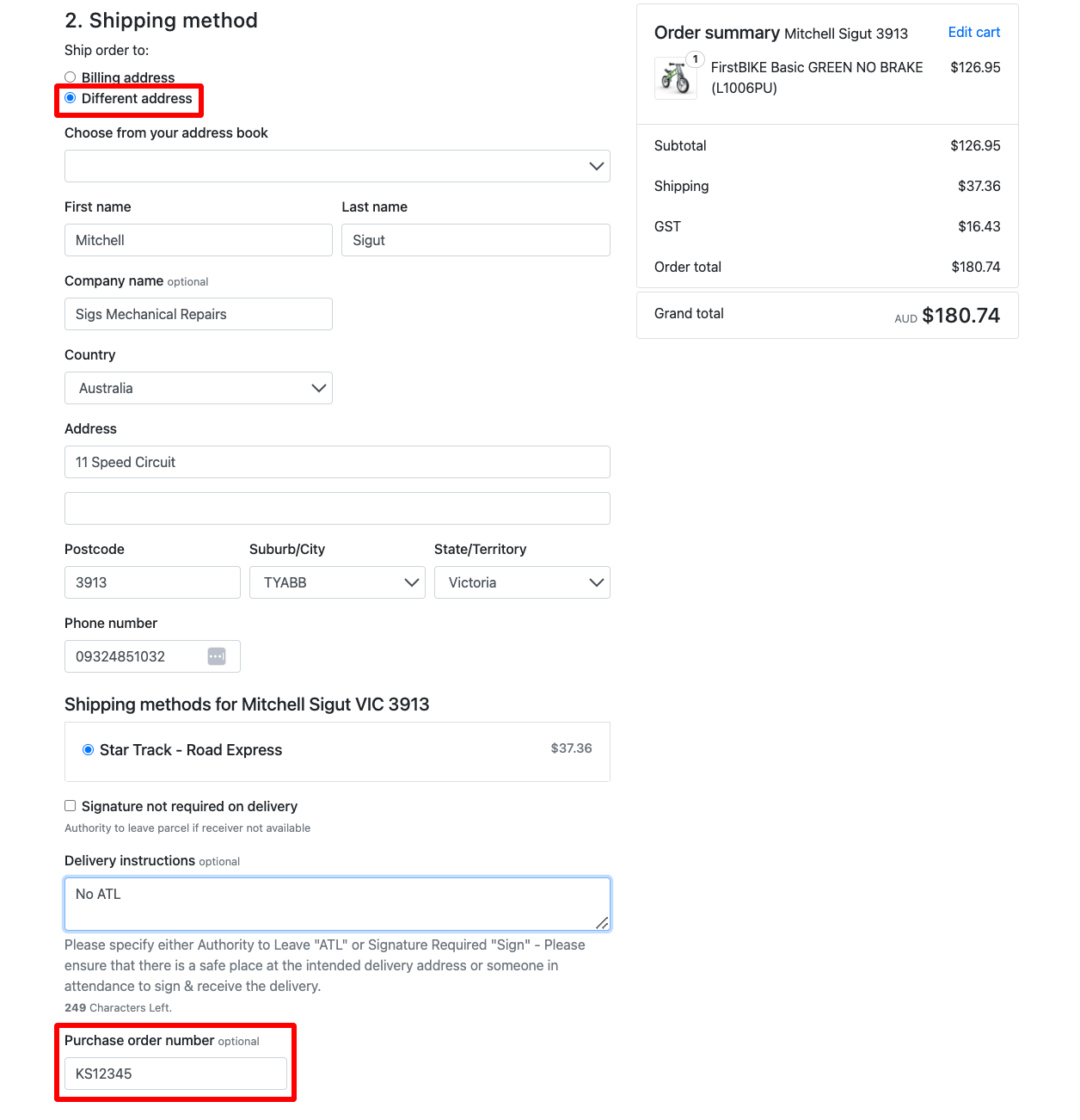
Under the Shipping method, choose Different Address. Then, enter the order details (Customer name, address, phone number). Add the Order Number under Purchase Order Number.
Include delivery instructions: “No paperwork included” (we don’t want the customer to receive the tax invoice from the supplier). Then, add any delivery instructions from the customer if available.
Only select "Signature Not Required On Delivery" unless specified by the customer.
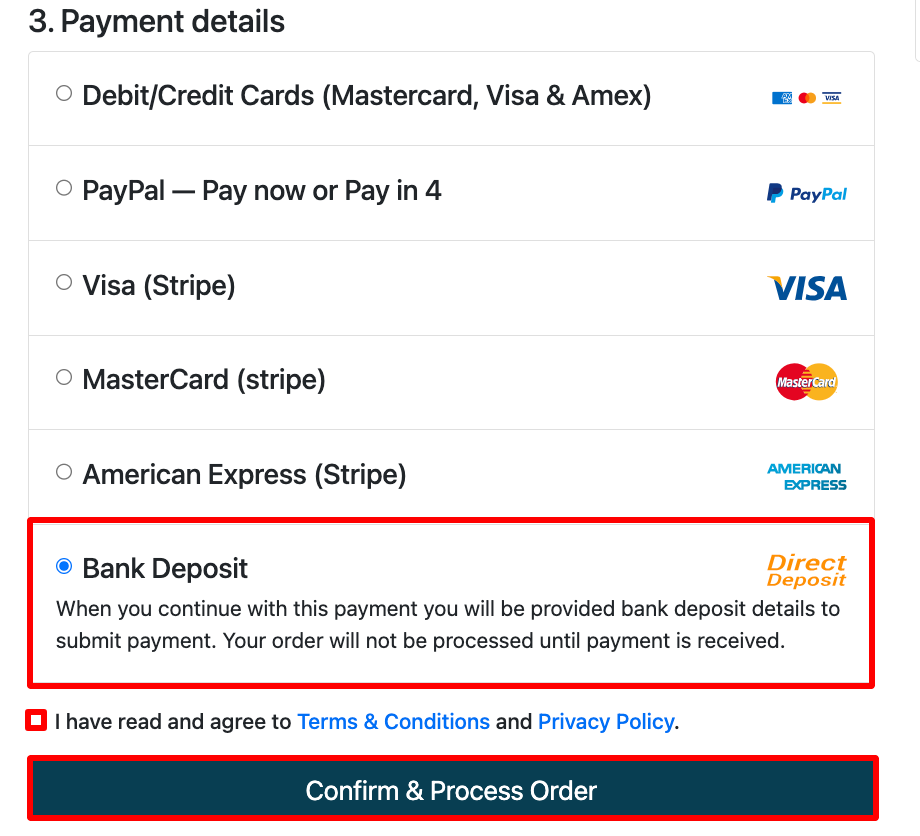
Under Payment details, choose Bank Deposit to allow you to save the order and ready for payment. Tick the terms and conditions then, Confirm & Process Order.
You should receive a notification that the order has been confirmed.
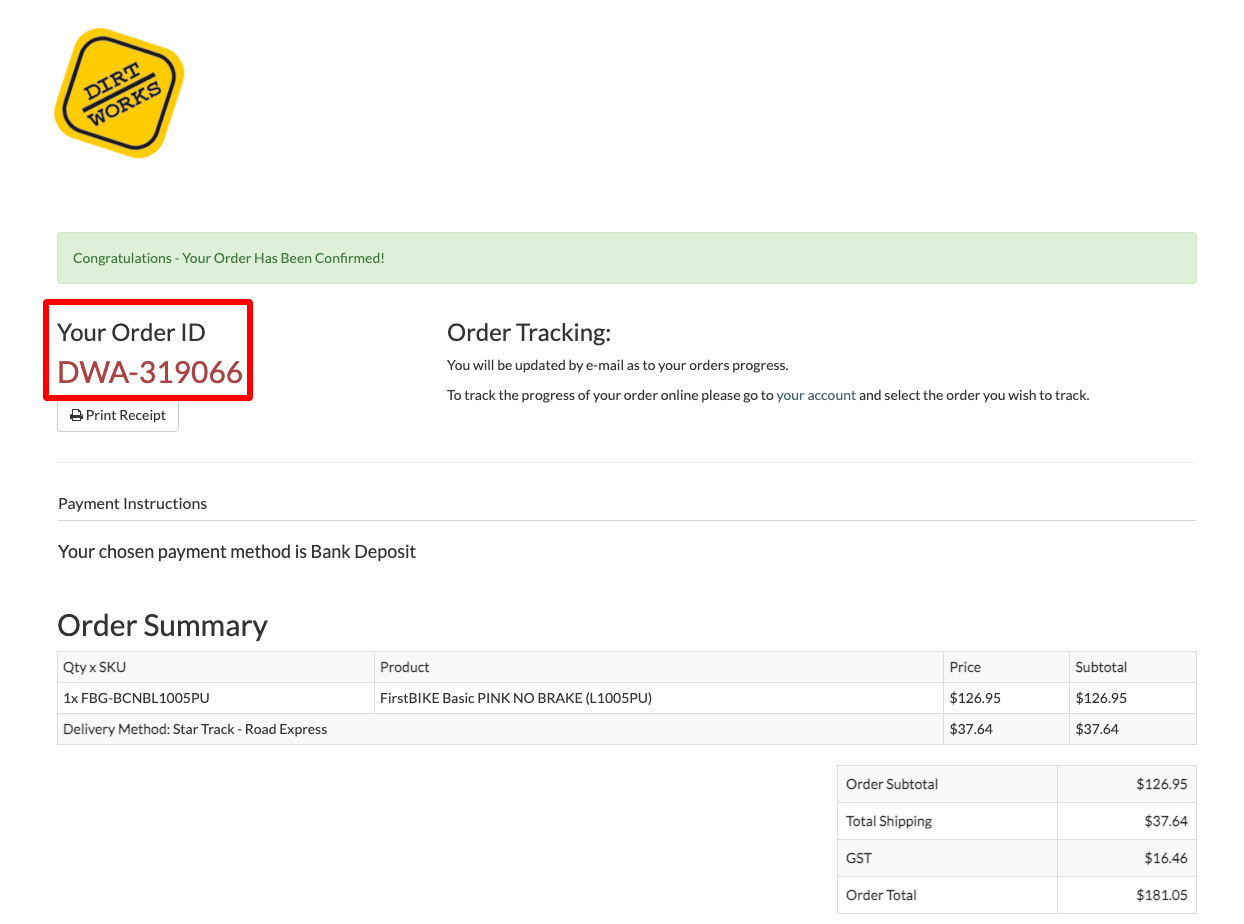
Note the order number and the actual shipping cost in Shopify.

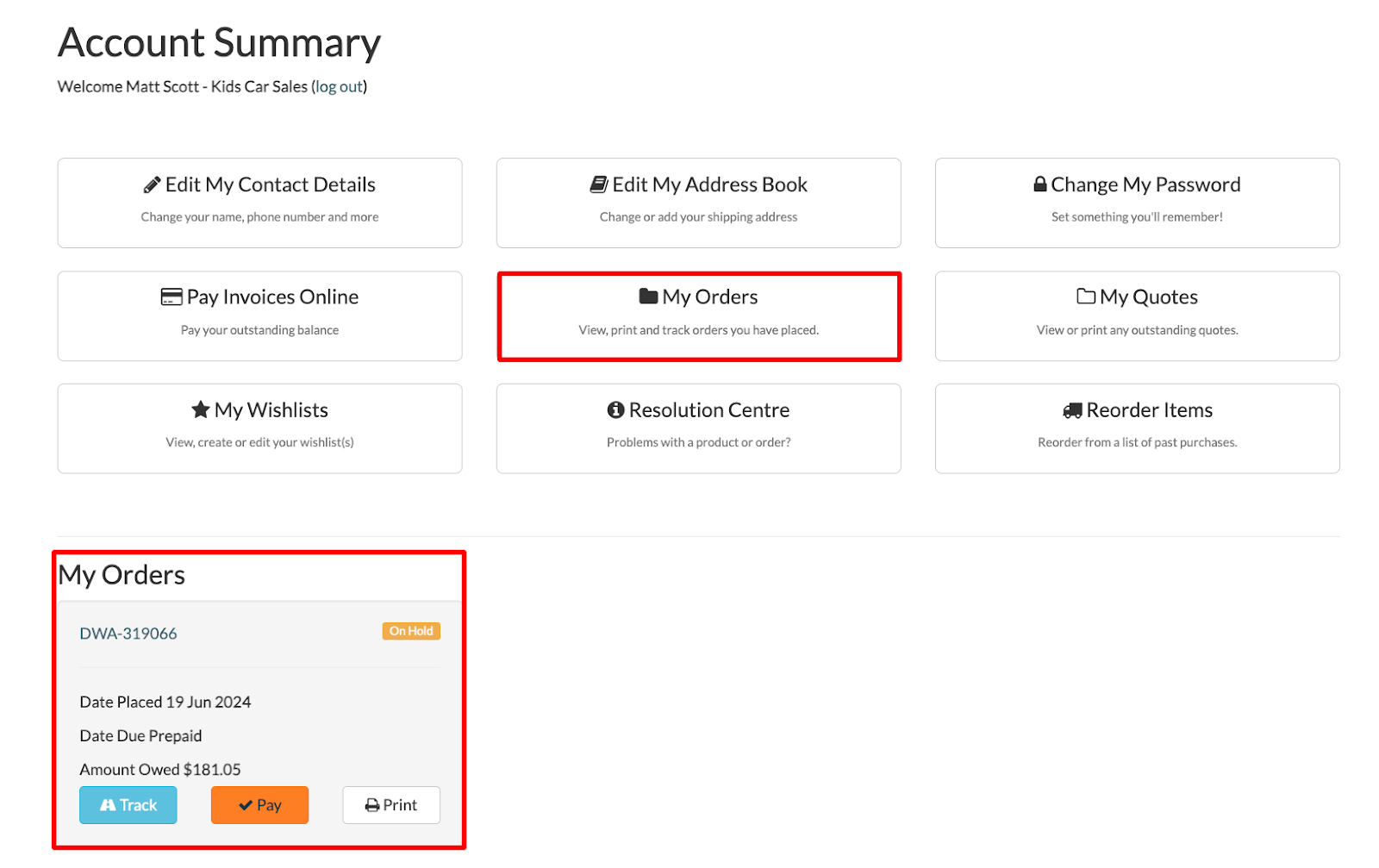
Check if the order has been successfully placed under My Orders, in the Account Summary tab.
Forward the FD order ticket to Accounts with note “Pending Payment” so the payment can be initiated.
Update the FD tags and status. The ticket will reopen in 2 days to prompt you to check the tracking number in the Dirt Works Australia website.
Fulfil the order once you have the tracking number. Then, update the FD tags and status.