As of April 2026, Kaleidoscope has introduced a new and easier way to process orders through their portal. This SOP walks you through the process, explains its purpose, and helps ensure everything is handled correctly and efficiently.
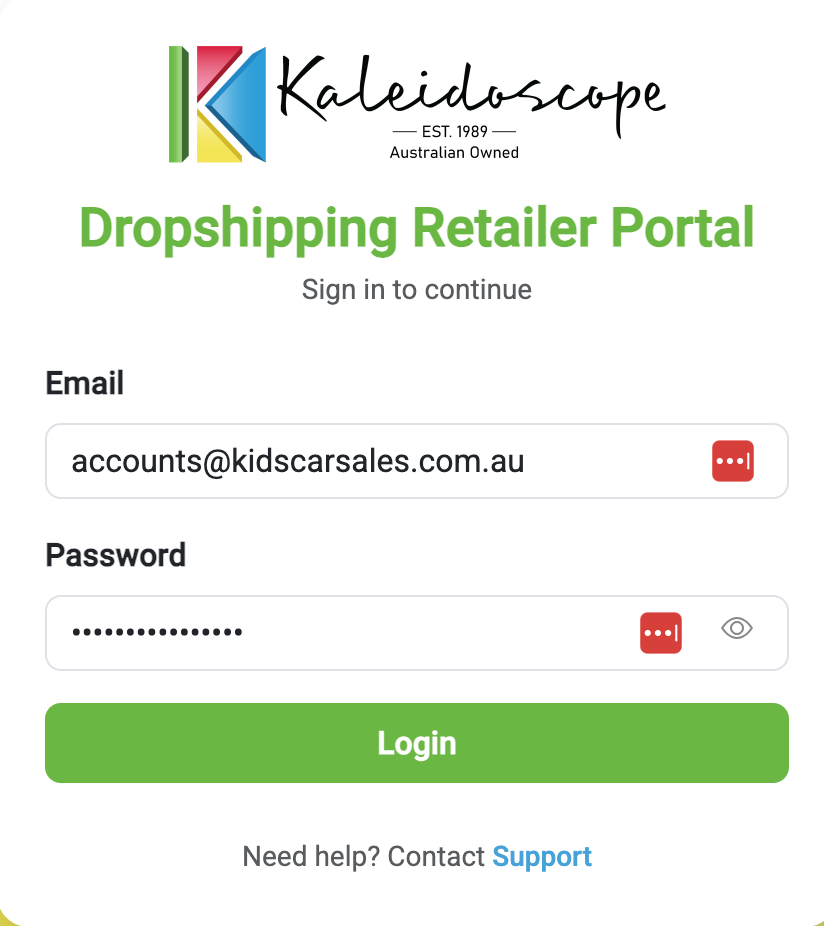
1. Log in to the Portal http://toydrop.com.au/ (Kaleidoscope Dropship Online Portal) and log in using the credentials listed in the supplier sheet.
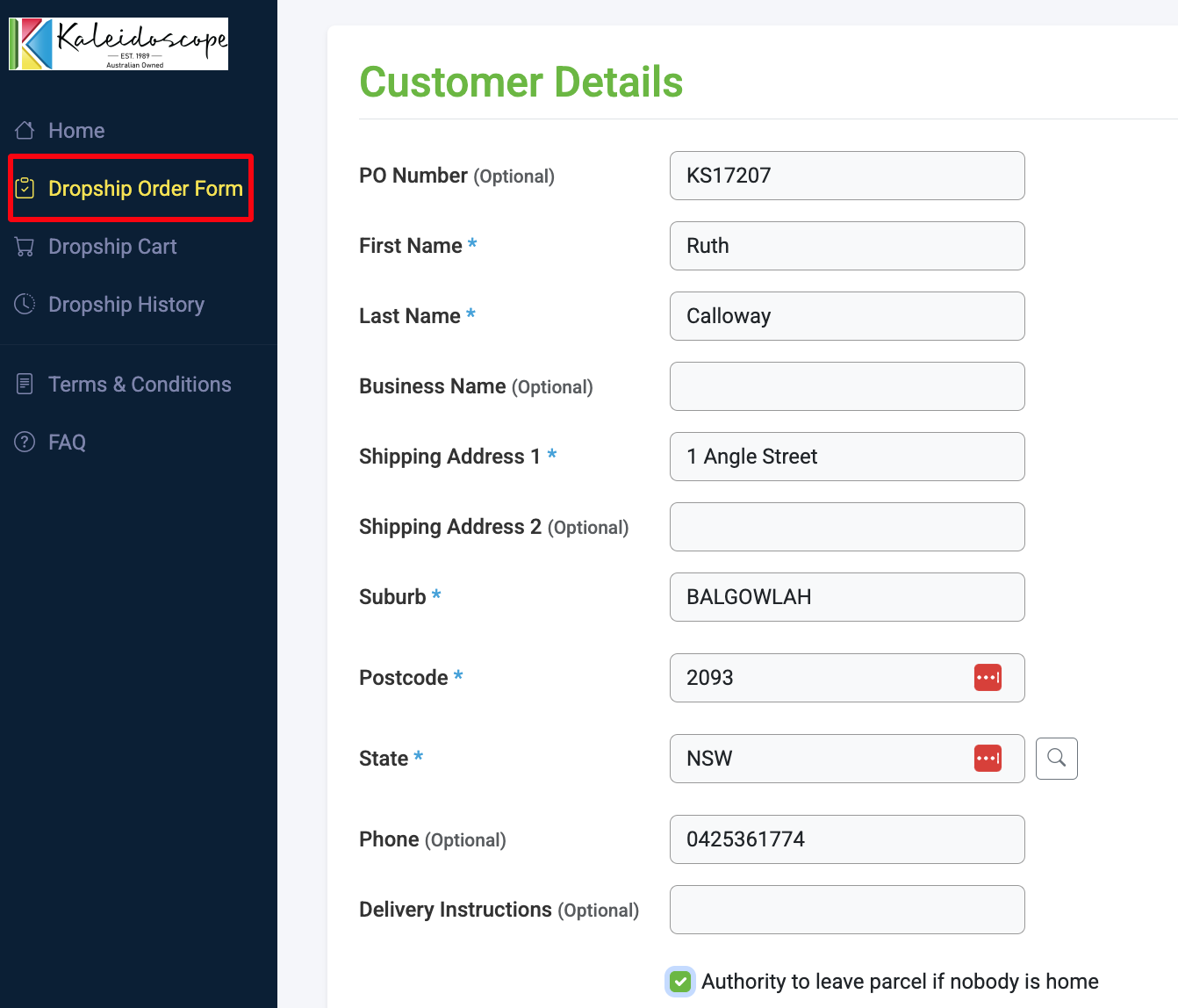
2. Enter Customer Details. Under the Dropship Order Form, fill in the customer details. Add the KS Order Number under “PO Number”
3. Add Product Details. Under “Product Details,” Enter the SKU and Quantity for the order. Select the cheapest available freight option. If the shipping cost exceeds what the customer paid, follow the SOP for Additional Shipping Cost and don’t place the order yet.
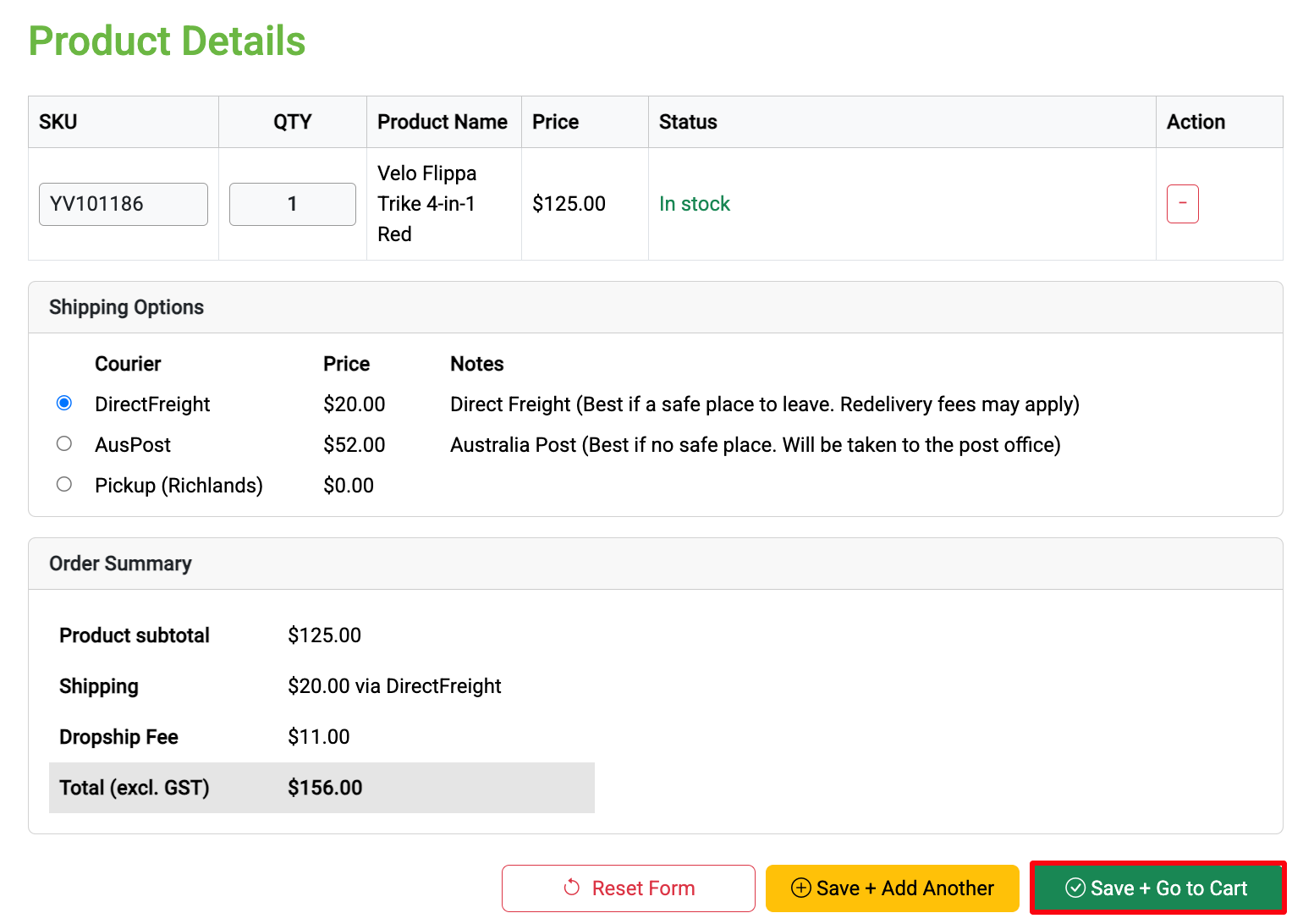
4. Submit Order. Click “Save + Go to Cart.” The supplier will process the order once received. An invoice will be sent based on our account terms.
5. Update Freshdesk Properties. Follow the FD Tags and Status SOP. Ensure all fields are filled out.
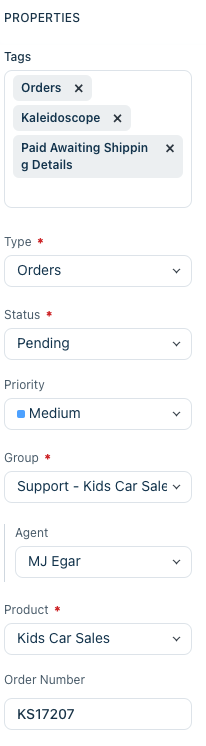
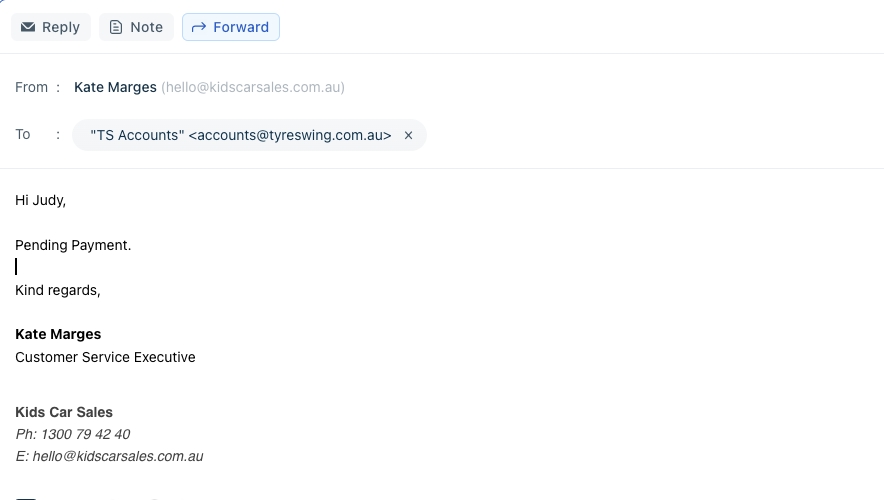
6. Forward Invoice to Accounts as soon as you receive it from the supplier. If not received, the ticket will reopen every 2 days - use this as a prompt to follow up
7. Add Shopify Notes.

8. Fulfill the order once tracking details are received
9. Update the Order ticket’s FD Tags and Status. Mark as “Resolved” once the order is fulfilled and no further action is required